How Indian small businesses can optimize website images without sacrificing quality
A practical workflow for Indian retailers, D2C teams, freelancers, and agencies to resize, compress, review, and publish faster website images.
A product photograph can persuade a customer to keep browsing, but the same photograph can make a page unnecessarily heavy. Good optimization reduces transferred bytes while protecting the details that help people decide: fabric texture, food presentation, product labels, room finishes, diagrams, and readable text.

Begin with the image’s actual job
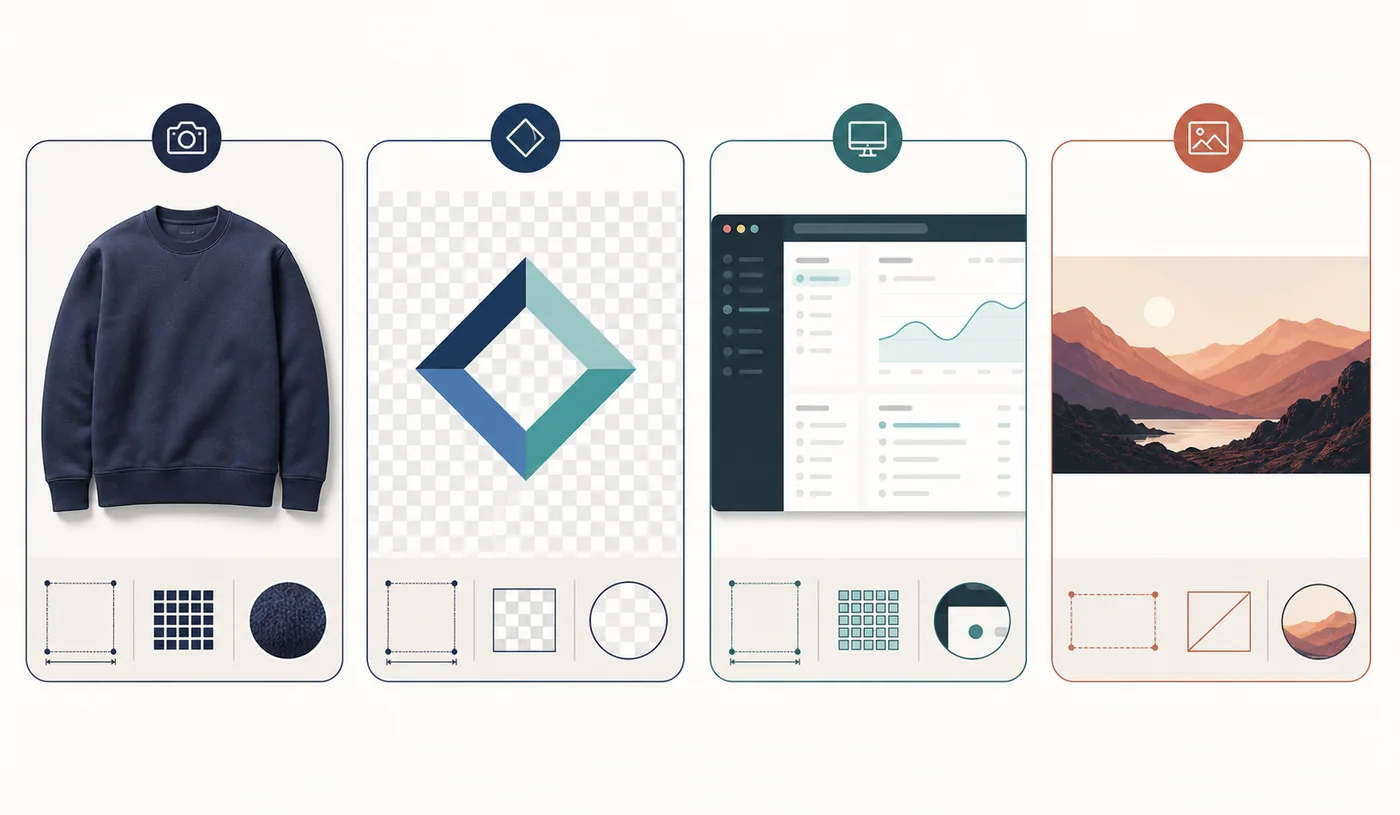
A product gallery should preserve the details a buyer will inspect. A home-page banner needs to look good at its displayed size, but it rarely needs the dimensions of the original camera file. A logo requires clean edges and transparency. A screenshot must keep small interface text legible. A social preview needs the correct aspect ratio more than it needs extremely high resolution.
Sort the library into product and editorial photographs; logos, icons, and illustrations; screenshots, charts, and text-heavy graphics; and decorative backgrounds or thumbnails. Work on the largest and most frequently viewed assets first. Ten carefully optimized home-page images can matter more than hundreds hidden deep in an archive.
Resize before you compress
Many oversized images are dimension problems disguised as compression problems. If a storefront displays a product image at roughly 900 pixels wide but the photographer supplied a 5,000-pixel source, compressing the full original may still leave visitors downloading far more image data than the page can show.
Create a web-sized derivative and preserve the original separately as the master. Choose dimensions for the largest realistic display and account for high-density screens where appropriate. Avoid enlarging a weak source: upscaling creates more pixels but does not restore missing detail.
When the website supports responsive delivery, provide multiple sizes so the browser can choose an appropriate asset. The HTML srcset and sizes attributes help prevent a narrow mobile screen from receiving the same file intended for a wide desktop layout.
Match the format to the content
There is no universal winner. JPEG remains useful for ordinary opaque photographs and broad compatibility. WebP is practical for many photographs and transparent assets, but a converted output still needs comparison with the source. PNG suits logos, interface graphics, screenshots, and transparency. Palette quantization can help suitable limited-color graphics when transparency, gradients, and text survive review.
AVIF can produce efficient photographic output, but browser encoding, downstream support, and the actual result should be tested. Keep a fallback when an email tool, marketplace, content system, or customer workflow accepts a narrower set of formats. The best asset is one that remains usable in its destination.
- Use photographic candidates for natural texture and continuous tone.
- Begin conservatively for small lettering, flat color, and one-pixel rules.
- Preserve alpha when the production layout requires transparency.
- Keep the source when conversion is larger or offers no operational benefit.
Inspect quality where customers see it
Review important product images at 100% scale. Look closely at packaging text, jewellery edges, hair, fabric patterns, gradients, shadows, and semi-transparent pixels. Lossy problems often appear as halos around hard edges, blockiness in smooth regions, or colour smearing near fine detail.
Then inspect the image inside the real page. A minor difference visible under magnification may be irrelevant at display size, while tiny text that appeared acceptable in an isolated preview may become unreadable in a mobile product card. Compare file size only after the candidate clears the visual check.
Build optimization into publishing
Keep untouched masters in organized storage and export web derivatives into a separate folder. Use descriptive filenames such as blue-cotton-kurta-front.webp instead of IMG_7821.webp. Record the destination or target dimensions when several people handle the assets.
Alternative text should describe the useful visual content rather than repeat search phrases. ‘Handwoven blue cotton kurta with white geometric embroidery’ helps a visitor understand the image; a string of sales keywords does not.
- Confirm displayed dimensions and responsive variants.
- Review visual quality and transparency on the production background.
- Retain the source master for future edits.
- Confirm that optimization, when conversion is not the goal, produces a smaller useful file.
Consider privacy, then measure the real page
Uploading unpublished campaigns, customer documents, or internal screenshots to an unknown processor may create an avoidable data-handling concern. Review the service’s privacy and retention terms. Ziply’s supported image path runs locally in the browser rather than using its API for image processing, although device, browser, extension, and organizational security controls still matter.
After replacing assets, test the published page on representative phones and browsers. Confirm that images load, transparent edges render correctly, layouts remain stable, and text stays readable. Browser developer tools or a performance-testing service can reveal which images are actually transferred, whether responsive rules work, and whether duplicate downloads remain.
Optimization works best as a cycle: identify costly assets, create candidates, inspect them, publish carefully, and measure the real page. That discipline protects visual quality and customer experience without demanding that every small team become an imaging laboratory.