How small ecommerce teams can build a reliable product-image workflow
Organize masters, create destination-specific exports, review representative batches, and protect product details before publishing ecommerce images.
Product images sit at the intersection of merchandising, customer trust, page performance, accessibility, and operational discipline. A reliable workflow does not require enterprise software; it requires a small number of explicit decisions applied consistently.
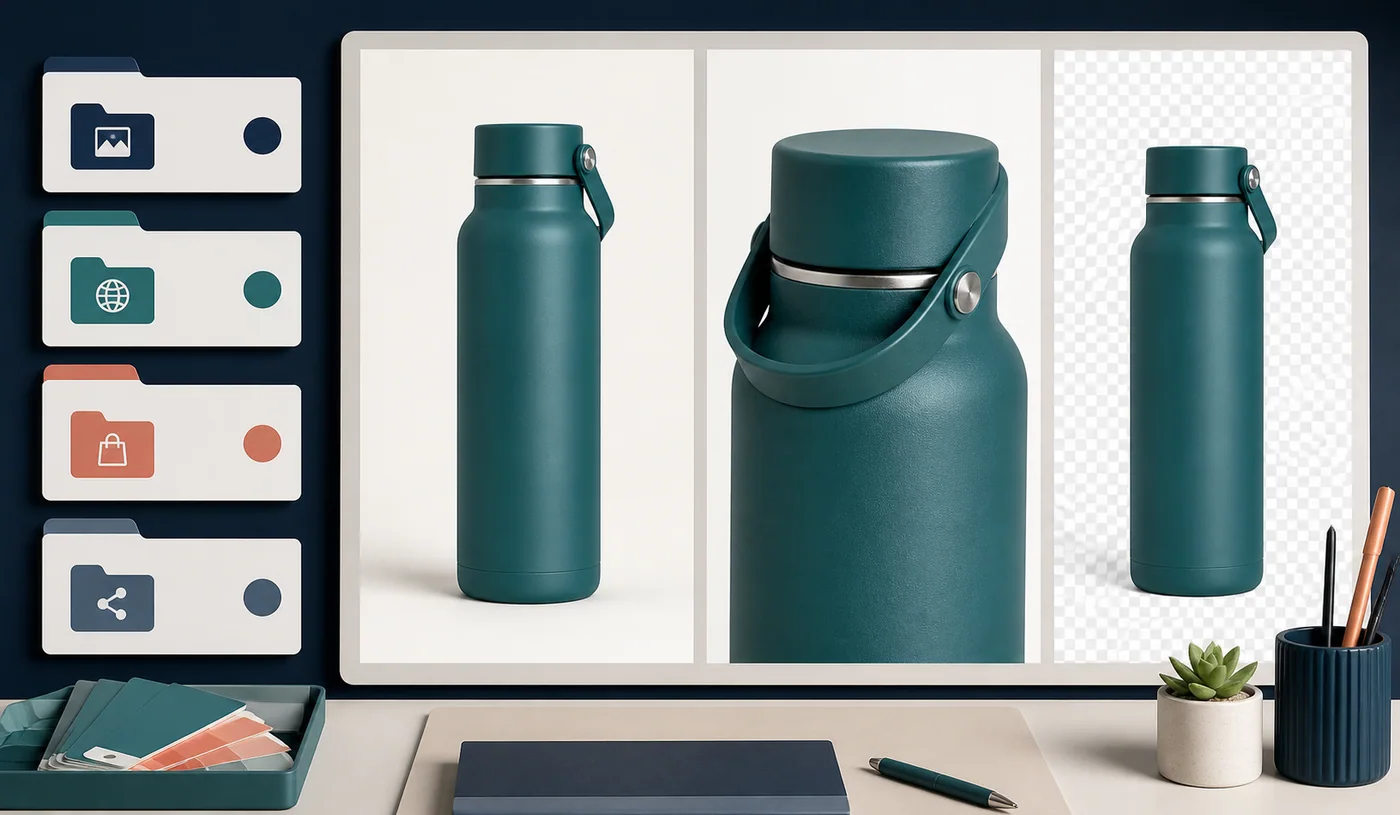
Separate masters from delivery assets
Create a master library that is never used directly by the website. It should contain the highest-quality approved source for each product and, where possible, the original editable file. Create website, marketplace, and social delivery copies in separate locations.
A stock-keeping unit is often a better naming anchor than a casual product title because names can change. Add the view, dimensions, and destination where useful: SKU-1042-front-web-1200.webp is easier to place and audit than another IMG file.
Consistent naming reduces manual matching errors and makes it easier to identify an obsolete derivative without mistaking it for the archival source.
Define the image set for each product
Decide what constitutes a complete listing. Depending on the product, that may include a primary view, alternate angles, a scale or in-use image, a material close-up, packaging, a label, a color variation, or a measurement diagram.
This list becomes the acceptance standard for photography and catalog entry. It also reveals which files require special care. Fine-print labels, safety notices, and measurement diagrams should not receive the same aggressive compression as a lifestyle photograph.

Normalize dimensions intentionally
Different destinations impose different aspect ratios and size recommendations. Do not repeatedly crop the same compressed derivative. Return to the master and create a destination-specific version.
For the website, identify the largest display size used by the product gallery and generate responsive variants when the platform supports them. Avoid uploading an enormous camera file merely because the storefront visually scales it down. Keep a consistent aspect ratio across primary images unless the design supports mixed shapes.
Confirm that fine product features remain visible. A dimension that works for a shirt may not work for jewellery, electronics ports, or a dense nutrition label.
Choose formats according to the image and destination
Standard product photographs can use JPEG, WebP, or AVIF delivery copies, subject to destination support and visual review. Transparent product cutouts may use WebP or PNG. Graphics with flat colors and text often favor lossless output or careful PNG quantization.
Open transparent outputs over white, black, and the actual storefront background. Semi-transparent pixels around hair, glass, fabric, shadows, and curved edges can reveal color fringes that are invisible against an editor’s checkerboard.
Do not assume that a modern format will always be smaller. If conversion increases size without adding a required capability, retain the better source format. Keep marketplace-specific outputs separate when those platforms impose narrower rules.
Review representative samples before the batch
Before processing hundreds of files, choose a bright studio photograph, a dark photograph, a detailed texture, a transparent cutout, a package with small text, and a flat graphic. Apply the proposed settings and inspect every result.
If one setting does not work for all categories, divide the catalog into smaller groups. Photo, transparent-product, and label presets are usually more dependable than a universal setting. Browser-based processing also depends on device memory, dimensions, and available codecs, so use manageable batches and download completed work before starting another large set.
Add a human quality gate
Before upload, a reviewer should verify the product identity, expected dimensions, aspect ratio, color and exposure, sharp text, clean transparency, reasonable byte size, destination compatibility, and retention of the master. The frame should also be checked for accidental personal or confidential material.
Alternative text should describe the visible product and meaningful view rather than repeat a string of search terms. ‘Blue insulated stainless-steel bottle with loop cap, front view’ is useful; a list of sales phrases is not. Nearby product-page copy should explain important features that the image cannot communicate on its own.
For sensitive catalog work, determine whether an online utility uploads selected files or processes them locally. Ziply’s supported compressor keeps selected still images in the browser processing path, but every output still needs review in the actual storefront and marketplace. The durable advantage is a controlled path from master to reviewed derivative, not a single compression setting.